Create Stunning
ArchViz in
Minutes.

Powerful AI prompt engine and workflow tool for Architects, Interior Designers & 3D Visualizers.
Save time. Get better results.

THE PROBLEM

  • Still Spending Hours Creating Photorealistic Images?
  • Still Working with an Outdated Workflow?
  • Still Working with Limited Options and Possibilities? 

THE SOLUTION

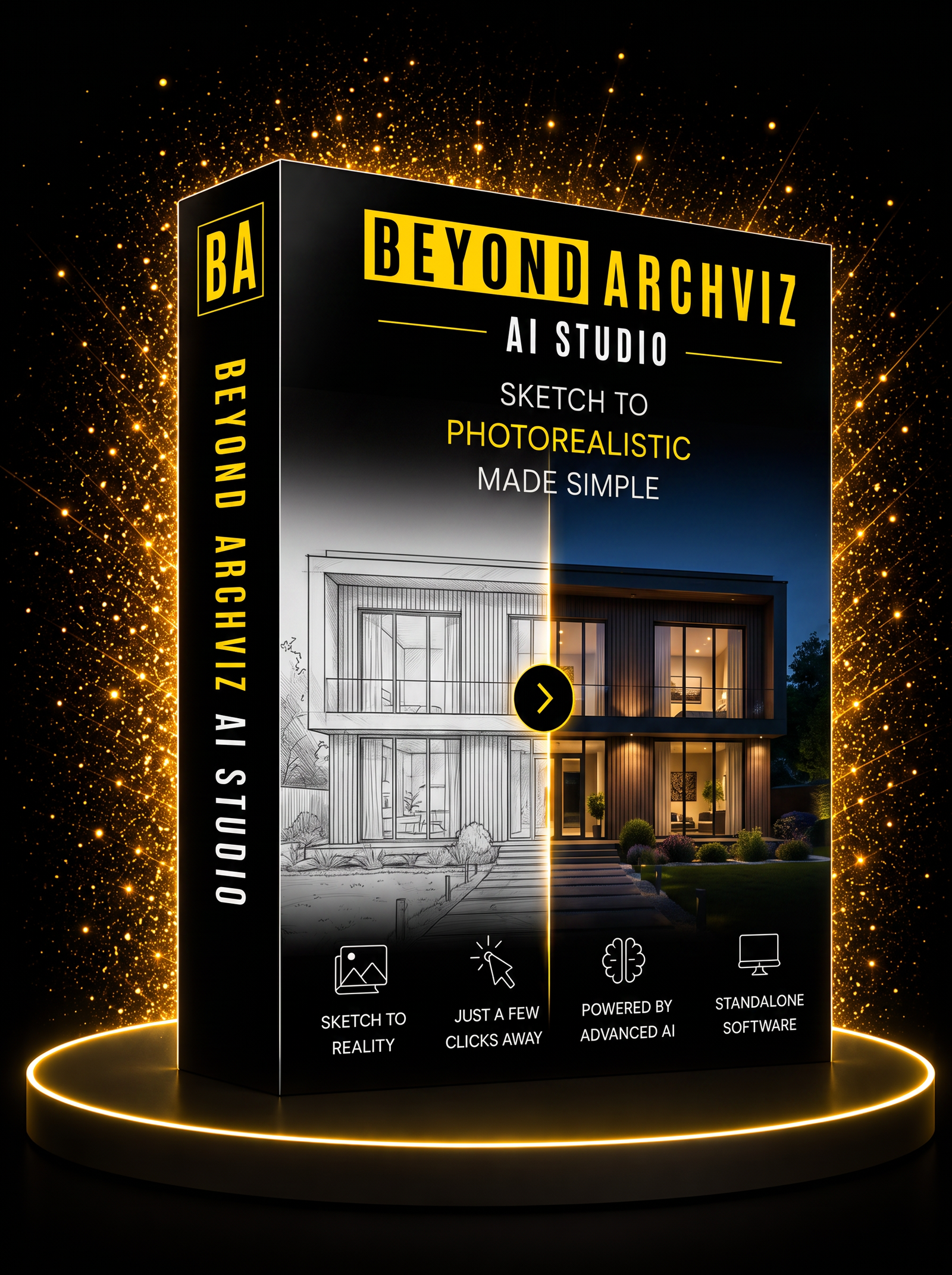
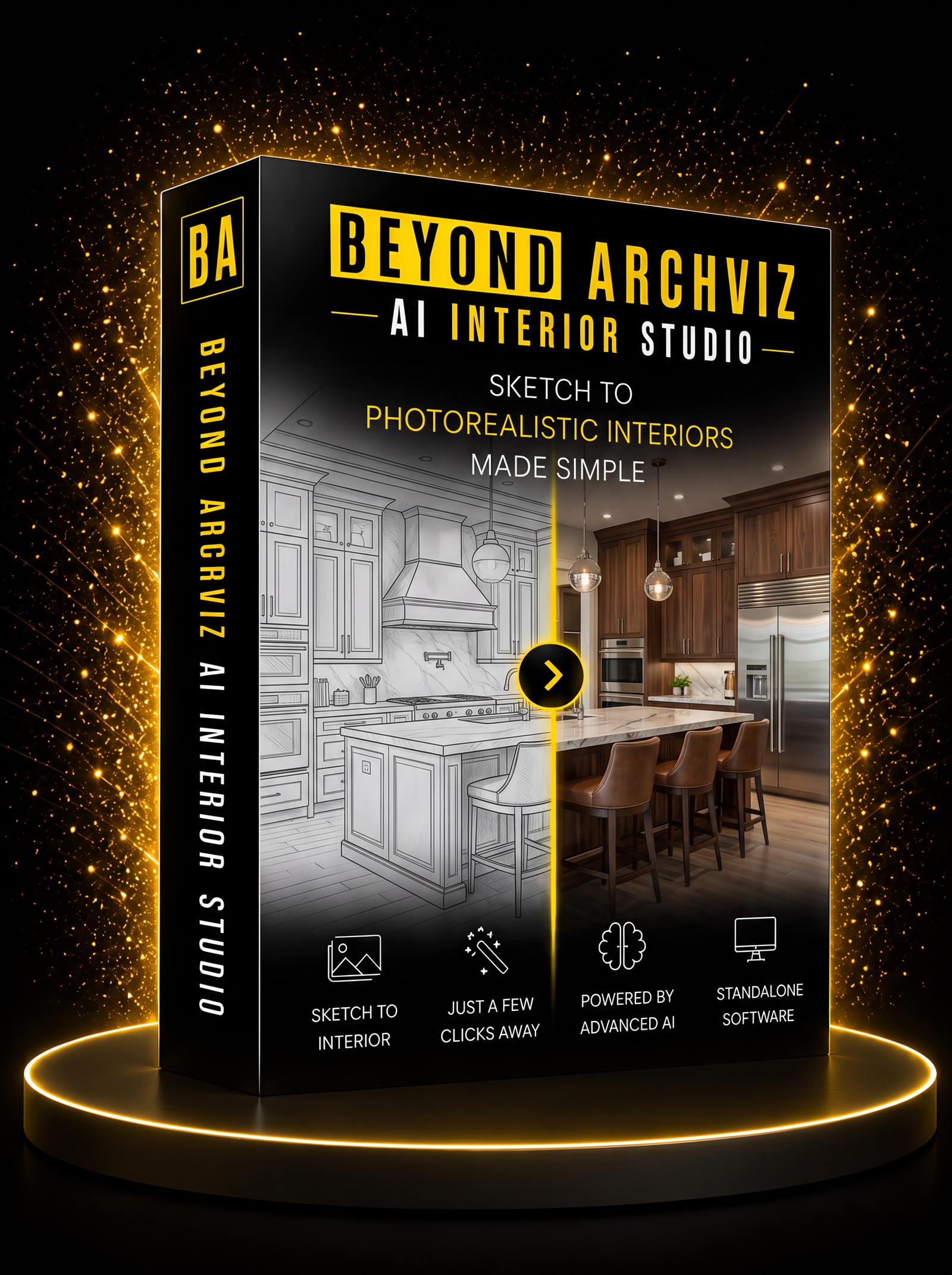
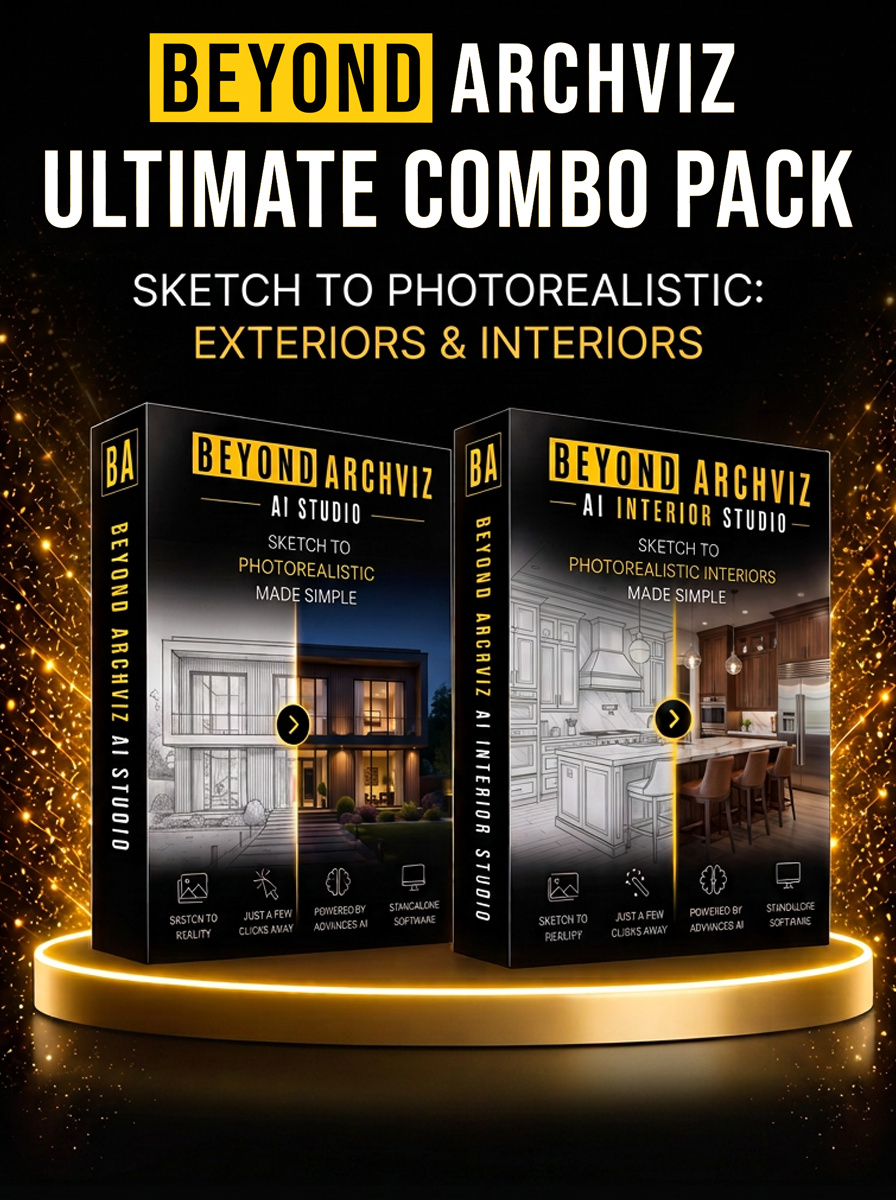
BEYOND ArchViz AI Studio

Helps You Seamlessly Integrate Your Basic Images into Leading AI Platforms.

  • One Tool. Multiple AI Platforms.
  • Creative Camera & Limitless Storyboard Ideas
  • Mood, Lighting & Environment Control
  • Perfect for Midjourney, Google Nano Banana 2, Flux, Krea 2 & more
  • Saves Hours of Work Every Single Day
 

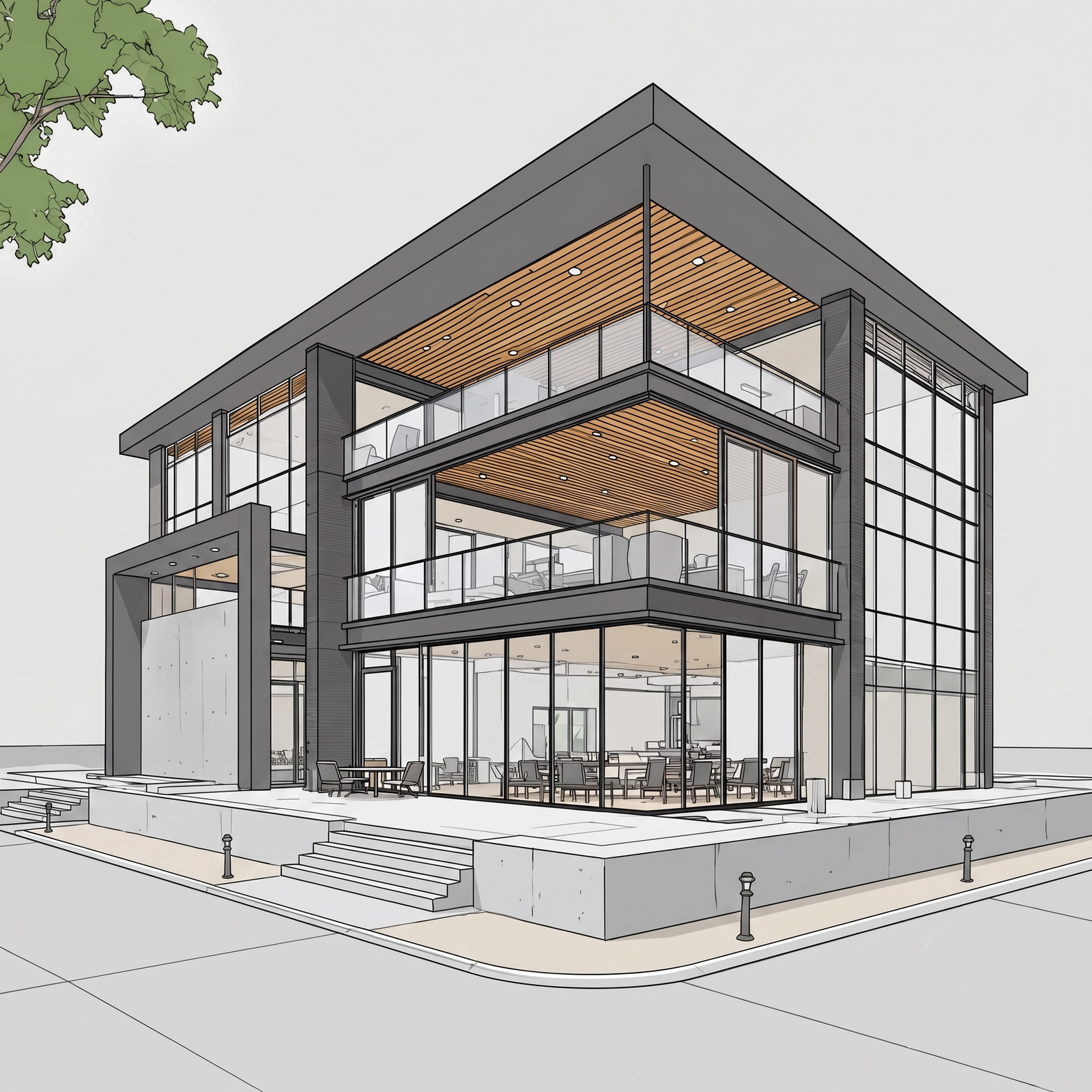
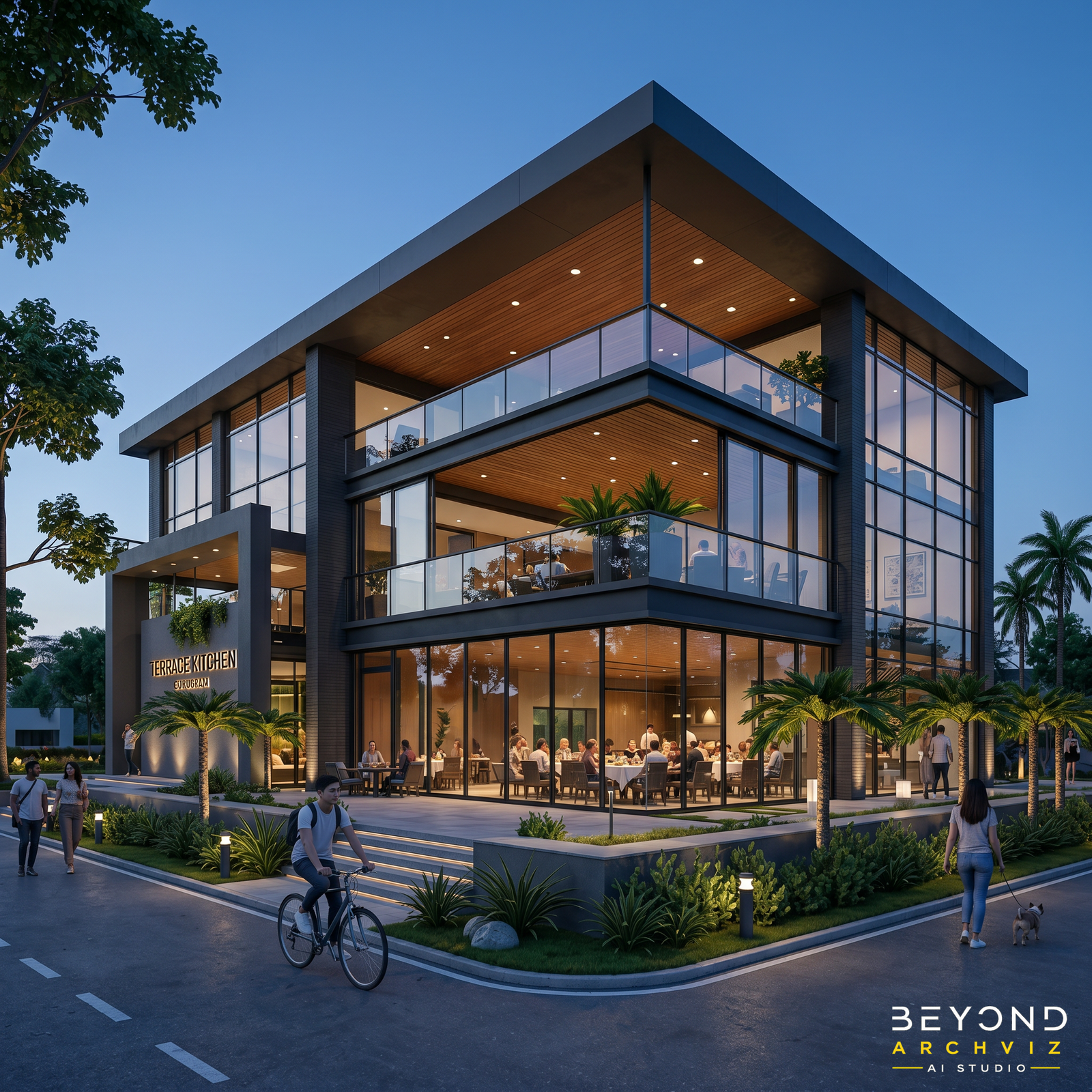
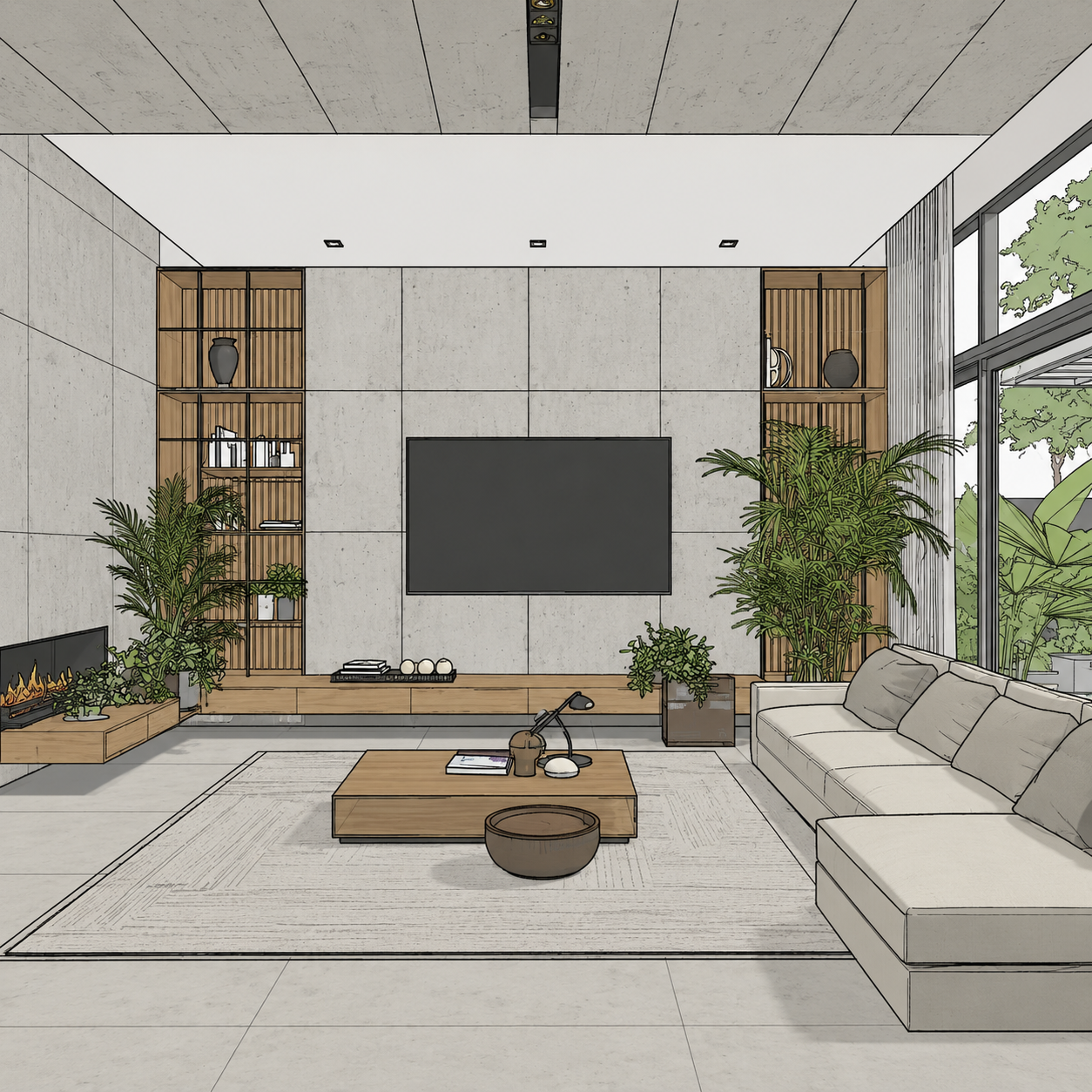
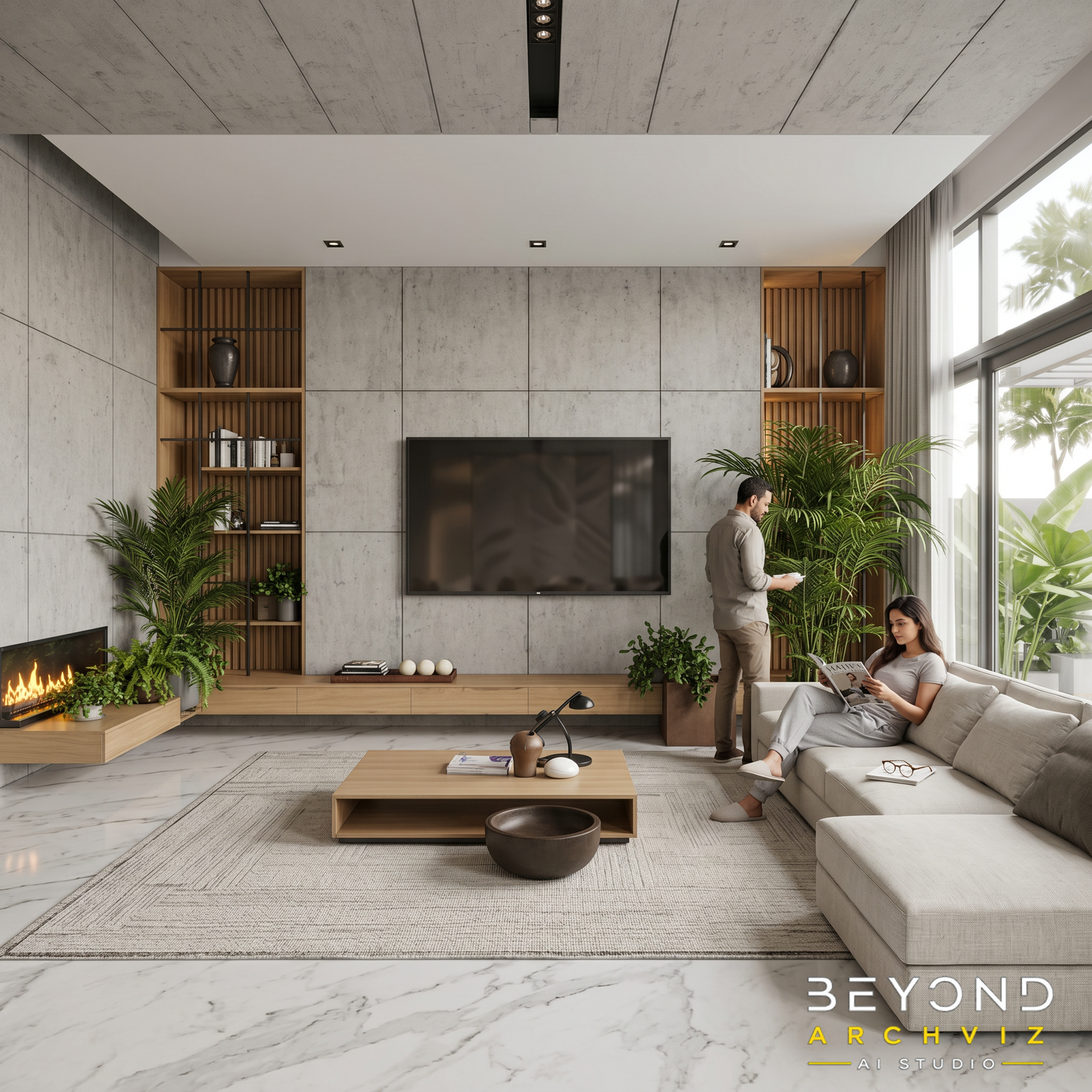
SEE THE MAGIC IN ACTION

Before After

WHAT'S INCLUDED

  • AI Prompt Engine (Full Access – Licensed)
  • Camera & Storyboard Library
  • Mood, Lighting & Weather Library
  • Humans, Vehicles & Environment Library
  • Regional Vegetation Linked with Geolocations
  • 8 Countries, 80 States, 400 Cities
  • Future Updates (Lifetime)
  • Commercial License

WHAT YOU'LL LEARN

Five Modules
Complete Mastery

MODULE 1: Basic Understanding of AI ArchViz

Learn the fundamentals of AI-powered architectural visualization and how modern AI tools transform the design workflow. Understand prompt engineering, AI image generation concepts, and the complete Sketch-to-Image process. Build a strong foundation before creating professional-quality visuals.

MODULE 2: Master Beyond ArchViz AI Studio ArchViz

Get hands-on training with every feature of Beyond ArchViz AI Studio. Learn how to generate optimized prompts, use built-in libraries, create camera angles, and customize outputs for different AI platforms. Master the complete workflow from start to finish.

MODULE 3: AI Image Generation

Learn how to transform simple sketches, concept art, or basic 3D views into stunning photorealistic images. Discover professional techniques for lighting, materials, composition, and prompt optimization to achieve consistent, high-quality AI-generated results.


MODULE 4: Storytelling & Camera Angles

Create cinematic architectural presentations using professional camera compositions and visual storytelling techniques. Learn how to select the best viewpoints, moods, focal lengths, lighting, and scene compositions that make every project stand out.

MODULE 5: Image to Cinematic Video Angles

Turn static AI-generated images into smooth, engaging cinematic videos. Learn camera motion, animation prompts, transitions, and video enhancement techniques to create professional walkthroughs and social media-ready promotional content using AI.

11,155+

HAPPY DOWNLOADS

One Investment.

Career Changing Skills

Complete professional course.

Software + Workflows and Future support.

EXTERIOR

INTERIOR

EXTERIOR + INTERIOR

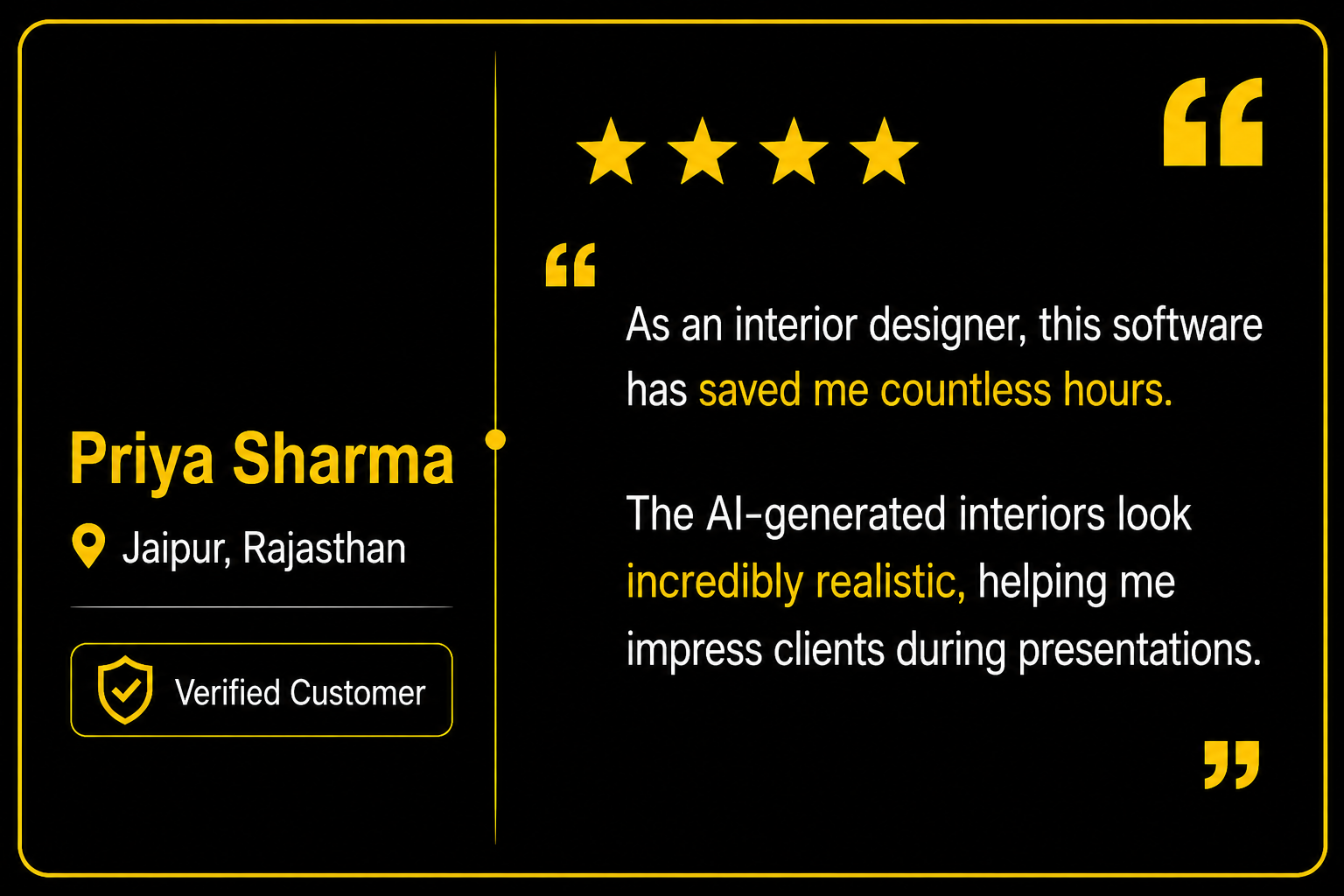
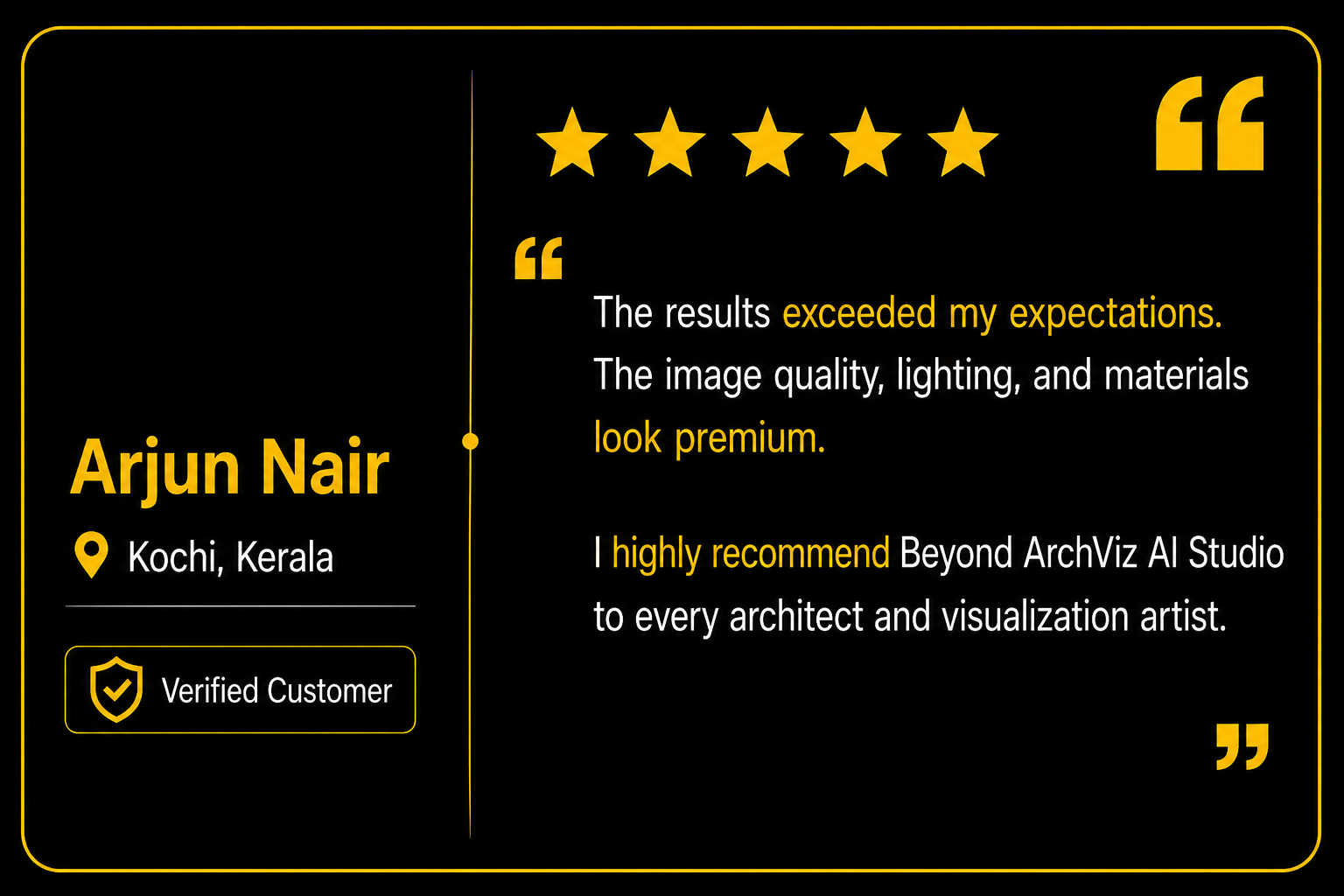
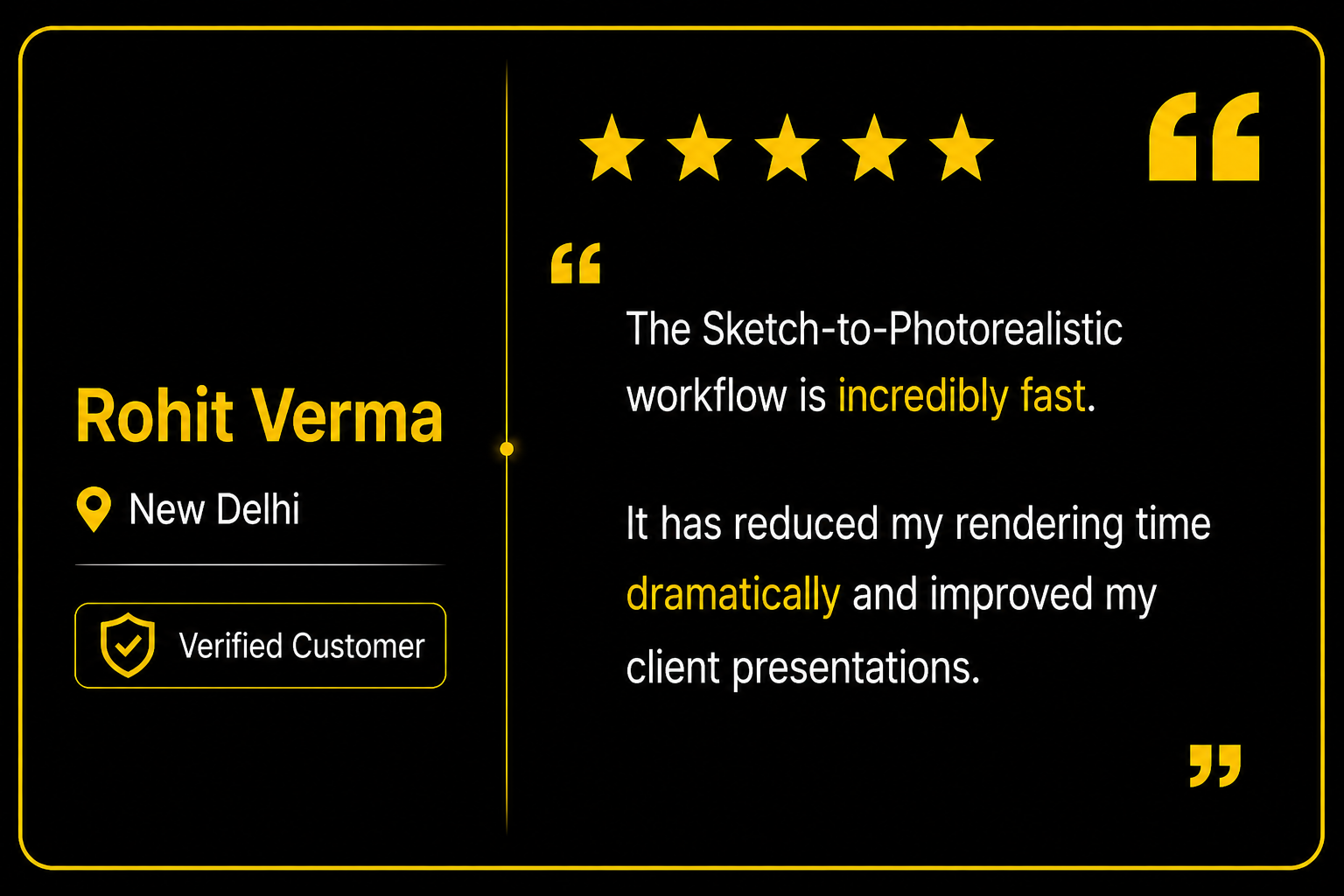
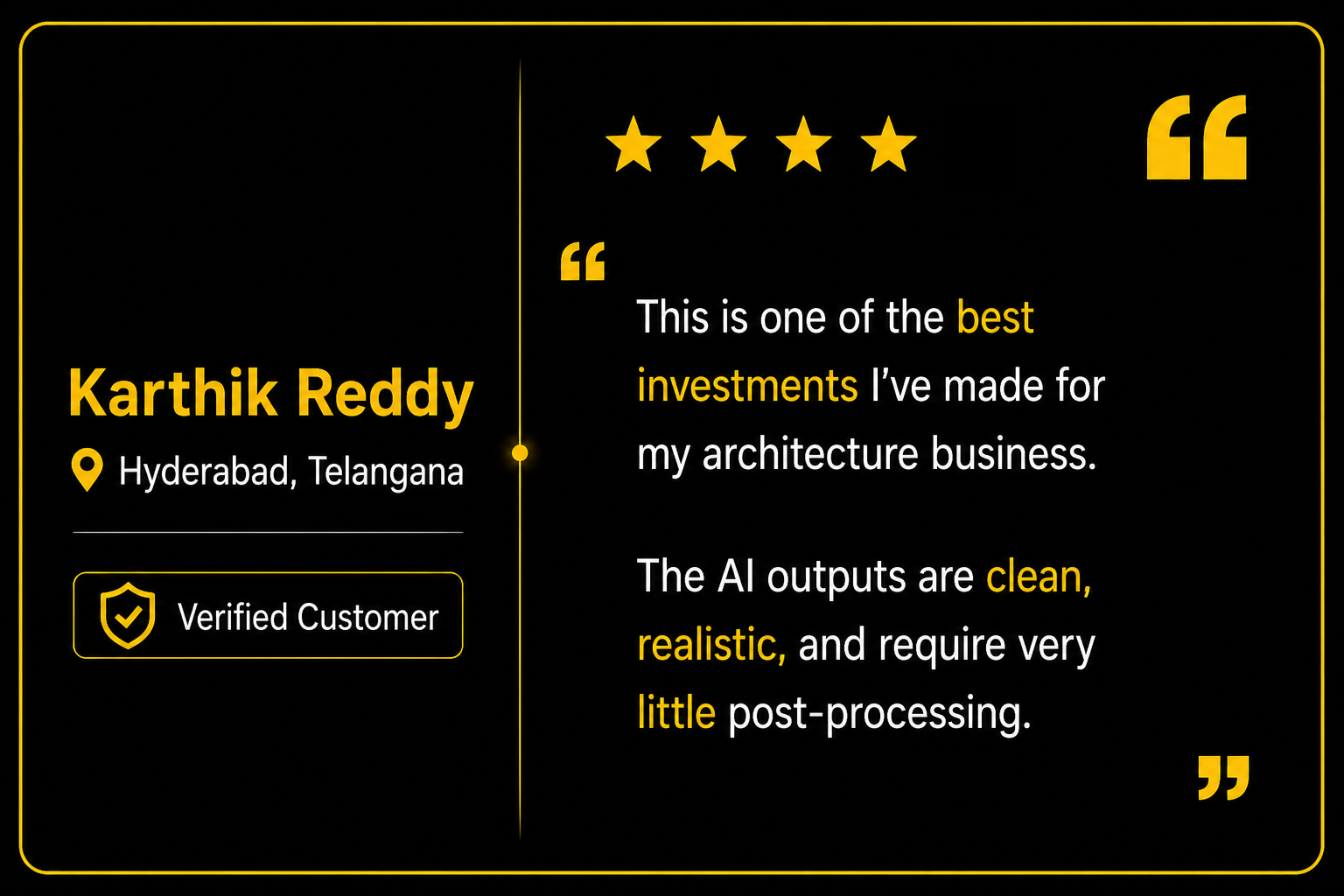
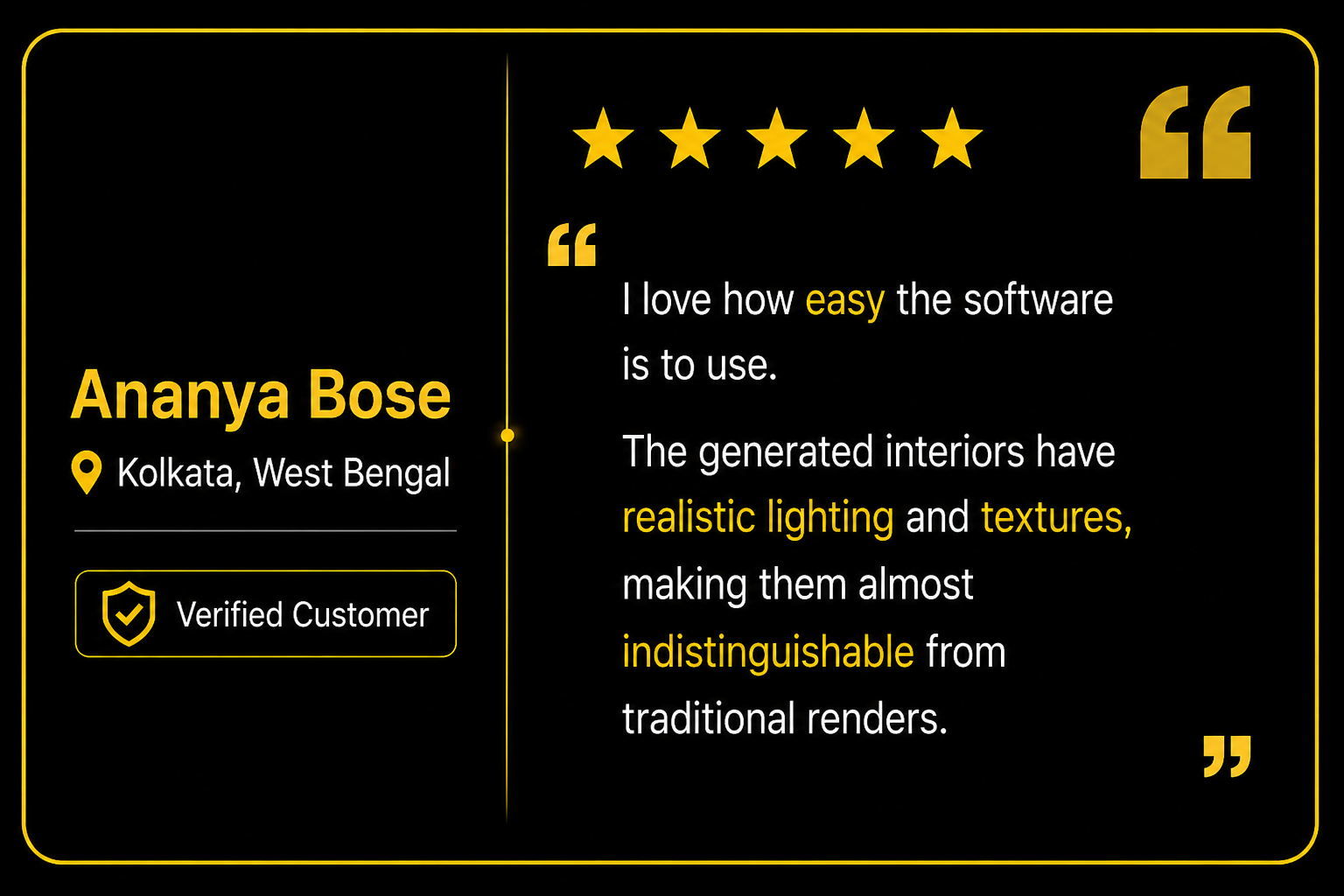
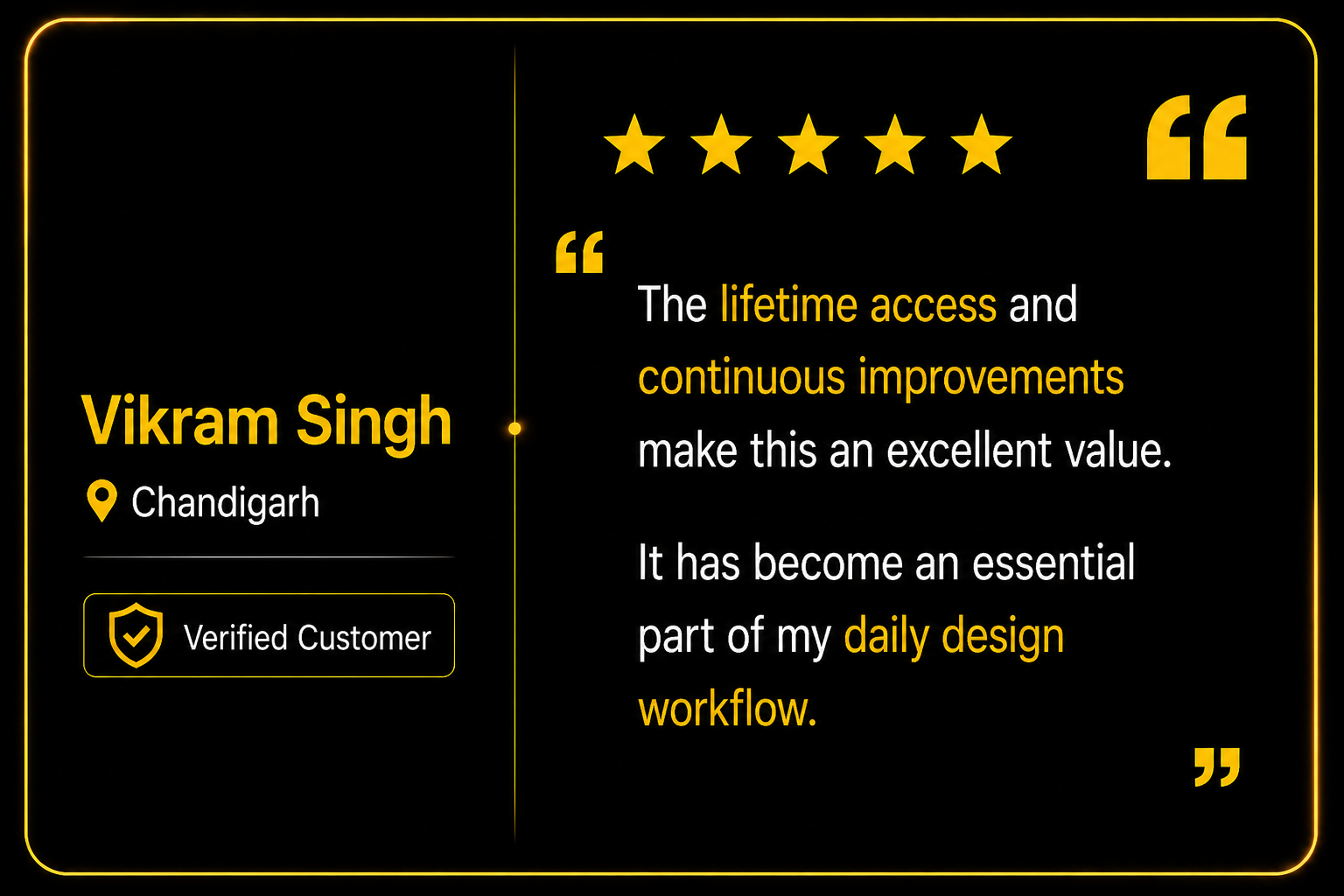
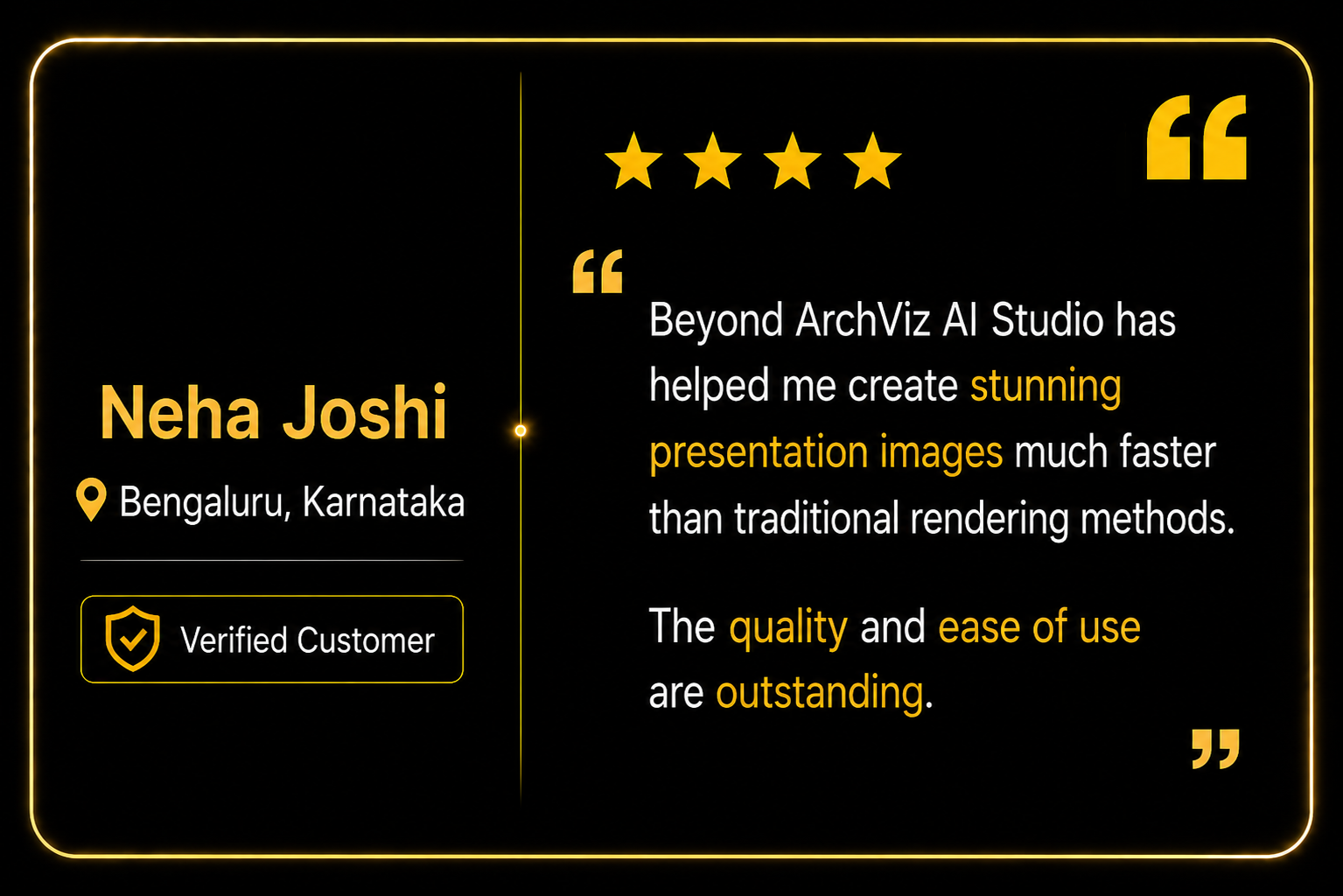
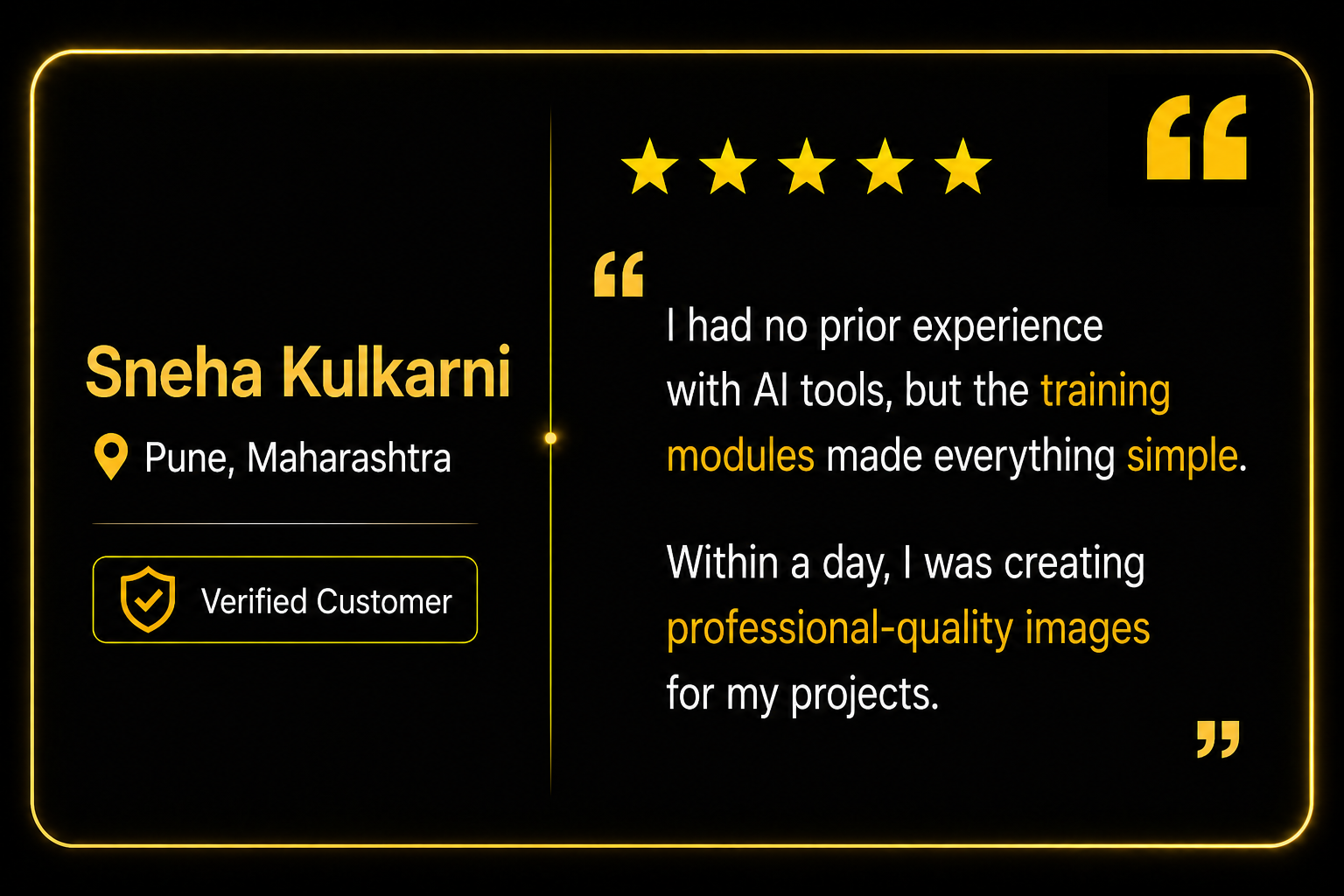
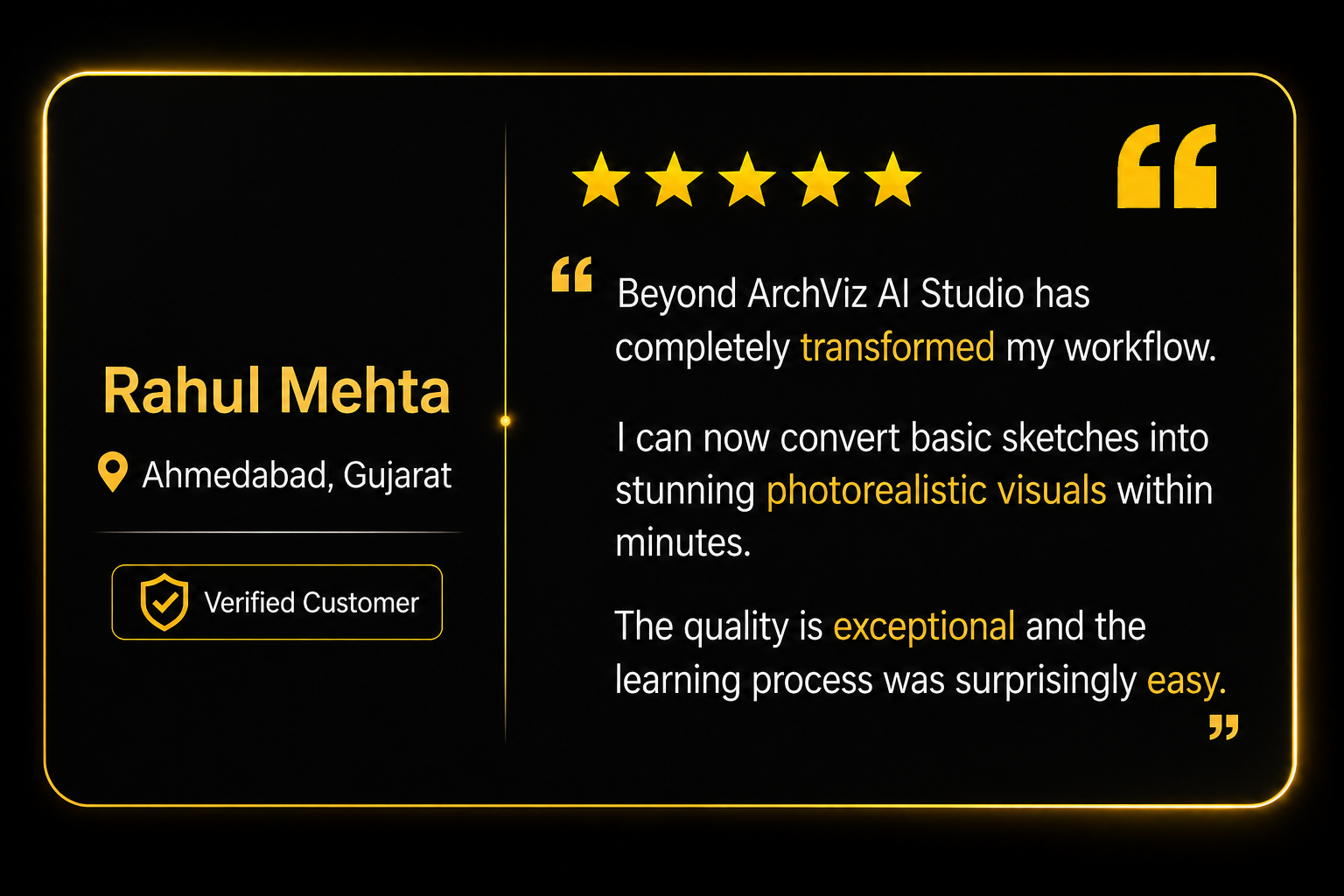
What Our Students Say

Created with love by Wise People

Scroll to Top